

 English
  Español
  Português
  Deutsch
  Français
  Italiano
  日本語
日本語  中文
中文  हिन्दी
  עברית
עברית  العربية
  한국어
한국어  Nederlands
  Polski
  Türkçe
  Українська
  Русский
  Magyar
  Română
  Български
  Čeština
  Ελληνικά
  Svenska
  Dansk
Dansk  Norsk
Norsk  Suomi
Suomi  Bahasa Indonesia
  Tiếng Việt
  Tagalog
  ไทย
ไทย  Latviešu
  Lietuvių
  Eesti
Eesti  Slovenčina
  Slovenščina
  Hrvatski
  Македонски
  Қазақша
  Azərbaycan
  Afrikaans
  বাংলা
বাংলা 6 Best Employee Scheduling Software for Small Business
Most small businesses start managing employee schedules in spreadsheets. It works until someone doesn't show up, a last-minute shift change creates a chain of texts, and the manager spends Sunday afternoon rebuilding the whole week. At some point the spreadsheet isn't a system - it's a recurring problem.
Staff scheduling software for small business is its own category. Enterprise workforce platforms come with implementation consultants, multi-department permission systems, and per-seat costs that assume a 500-person organization. That's not what a 12-person cleaning service or a 20-employee cafe needs. Small teams need a labor scheduling tool that's operational within a day, affordable at low headcount, and simple enough that any manager can run it from a phone.
This article covers six employee scheduling software options that genuinely fit small operations - evaluated on actual feature sets, pricing structures, and where each one falls short. Shifton leads the list based on its modular pricing model and the breadth of what it covers for teams under 100 people. Tools 2 through 6 each earn their place for specific use cases where they outperform the rest of the market.
What Small Business Scheduling Software Actually Needs to Do
Before comparing tools, it helps to be clear about what distinguishes a small business scheduling app from the broader category. The requirements are narrower - and in some ways more demanding:
- Setup time under a day. A 15-person business cannot spend a week configuring software. The tool needs to be functional immediately.
- Mobile-first design. Managers and staff are on phones, not desktops. The app needs to work as well on mobile as it does in a browser.
- Transparent per-user pricing. Avoid per-location models if you have or plan to have more than one site. Per-user pricing scales more predictably.
- Shift swapping and availability management. These two features eliminate the most common scheduling friction between managers and hourly staff.
- Integration with time tracking and payroll. A team schedule and a timesheet that don't communicate with each other create reconciliation work every pay period.
Small business workforce management also means the tool shouldn't require a dedicated HR department to maintain it. The operations manager - or in many cases the owner - needs to be the one running it. That affects how much configuration complexity is acceptable. The tools below are evaluated with that constraint in mind - as scheduling software for hourly workers and shift-based teams, not for salaried office environments where daily shift changes are not a factor.
The 6 Best Employee Scheduling Software for Small Teams
1. Shifton - Best Overall Scheduling Software for Small Business
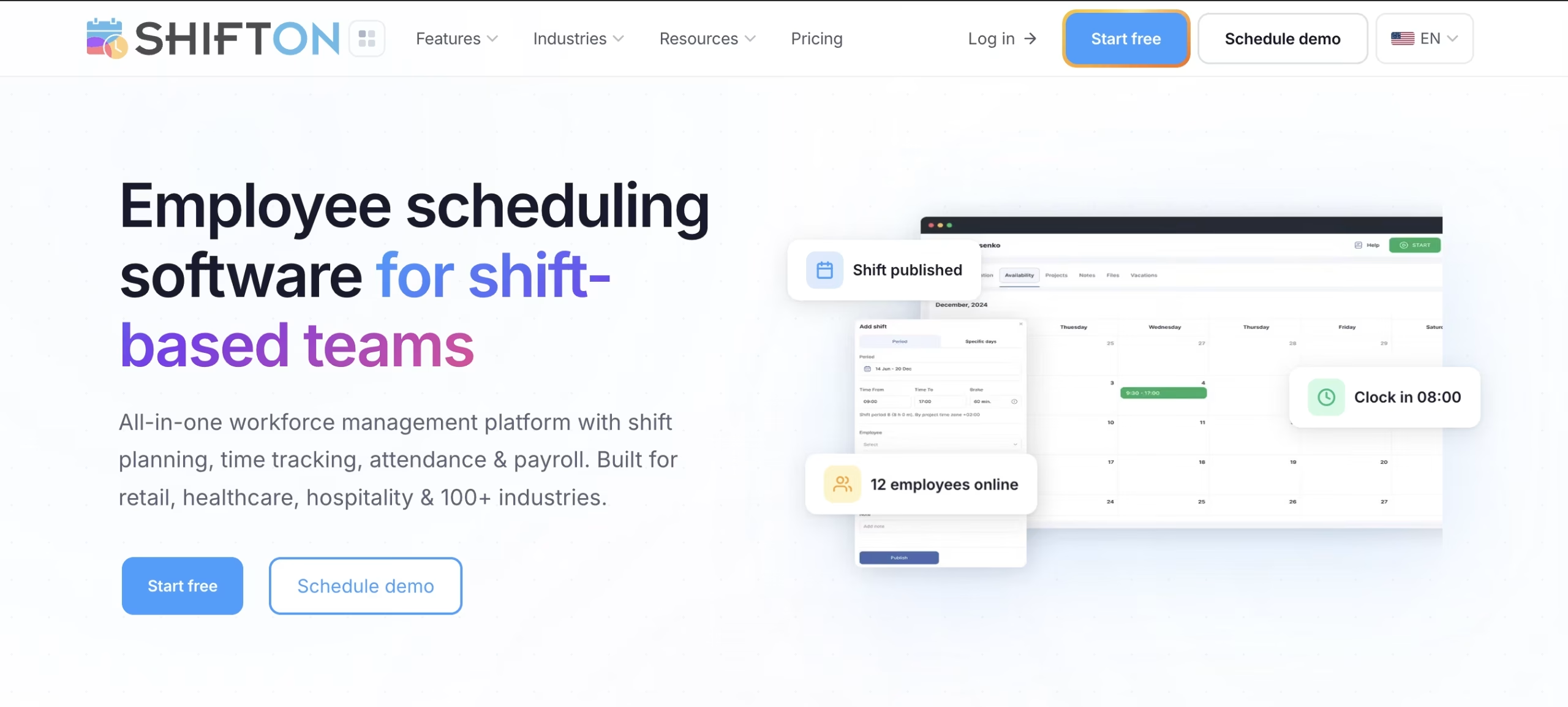
Shifton is a workforce management platform built for businesses that run on shift-based teams. The scheduling module sits at the core, but what separates it from every other tool on this list is its pricing architecture: additional functionality - time tracking, payroll reporting, task management, GPS check-ins, and workforce analytics - is available as separate $1/user/month modules. A 10-person business pays only for what it actually uses. There is no bundled enterprise plan to buy into before the team is ready for it.
The shift scheduling feature uses a drag-and-drop calendar interface. Building a two-week rotation for 20 employees takes under 20 minutes once shift templates are configured. Managers can set recurring patterns, define role requirements per shift, and let the system enforce minimum coverage rules automatically. Employees see their schedules in the mobile app and receive instant notifications when changes are made - no group texts, no confusion about who covers which shift.
Time off requests, shift swaps, and availability updates all go through the same app. When the time tracking module is active, employee clock-in and clock-out data flows directly into payroll reporting. There is no manual export between systems, no spreadsheet reconciliation before each pay period. That combination - scheduling, time tracking, and payroll in one platform - is what typically requires three separate tools at competing products.
Multi-location support is included at no extra cost per site, which matters for small businesses operating across two or three locations. Homebase (reviewed below) charges per location - at three sites, that cost multiplies significantly. Shifton's per-user model stays flat regardless of how many locations the schedule covers.
Key features:
- Drag-and-drop scheduling with recurring shift templates
- Time tracking with GPS-based clock-in/out
- Time off requests and employee availability management
- Payroll management with overtime calculation
- Task assignments per shift or per employee
- Multi-location scheduling from a single account
- iOS and Android mobile apps
Pricing: Free plan for up to 10 users with core scheduling. Paid modules from $1/user/month each (time tracking, payroll, GPS location, task management, reporting). All paid modules include a 30-day free trial. Annual billing saves 20%.
Best for: Small businesses with 5-100 employees that need scheduling plus time tracking and payroll integration - without paying for an enterprise bundle they'll only use half of.
See how Shifton handles your team's schedule
Free for teams up to 10. Add time tracking, payroll, and GPS modules when you need them - from $1/user/month each.
Try Shifton Free2. When I Work - Best for Simple Shift-Based Teams
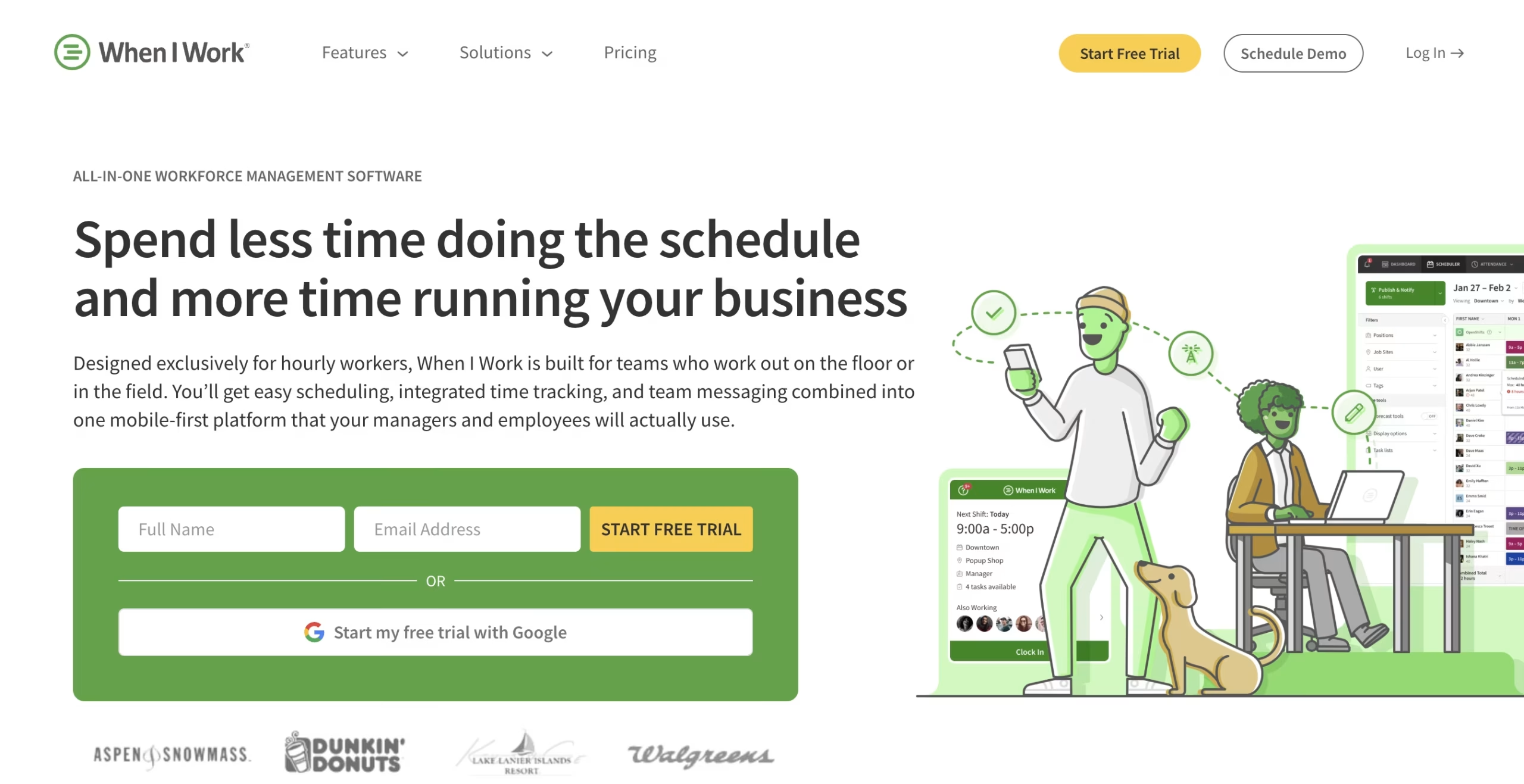
When I Work has been in the small business scheduling market since 2010, with a customer base built largely around retail, food service, and healthcare. The product does one thing well: it gets shifts scheduled and communicated quickly. The interface is clean, the learning curve is minimal, and the shift swap workflow - where employees can request coverage and managers set approval rules - is among the better implementations in this category.
For a business with consistent shift patterns, a stable roster, and no immediate need for payroll integration, When I Work is a capable employee shift planner that won't overwhelm a non-technical manager. Built-in team messaging keeps scheduling communication out of personal texts. The mobile app works reliably. Where it shows its constraints is pricing at scale: time tracking requires a separate add-on, and payroll integrations are locked behind higher-tier plans. For teams that need more than a published schedule, the per-seat cost climbs faster than alternatives here.
Features: Drag-and-drop scheduling, team messaging, shift swap requests, time clock add-on, attendance tracking, payroll integrations on higher tiers. Pricing: Free for up to 5 employees. Essentials from approximately $2.50/user/month. Time and Attendance priced separately. Best for: Retail or food service teams under 30 that need clean scheduling and messaging without complex payroll integration.
3. Homebase - Best Free Option for Single-Location Businesses
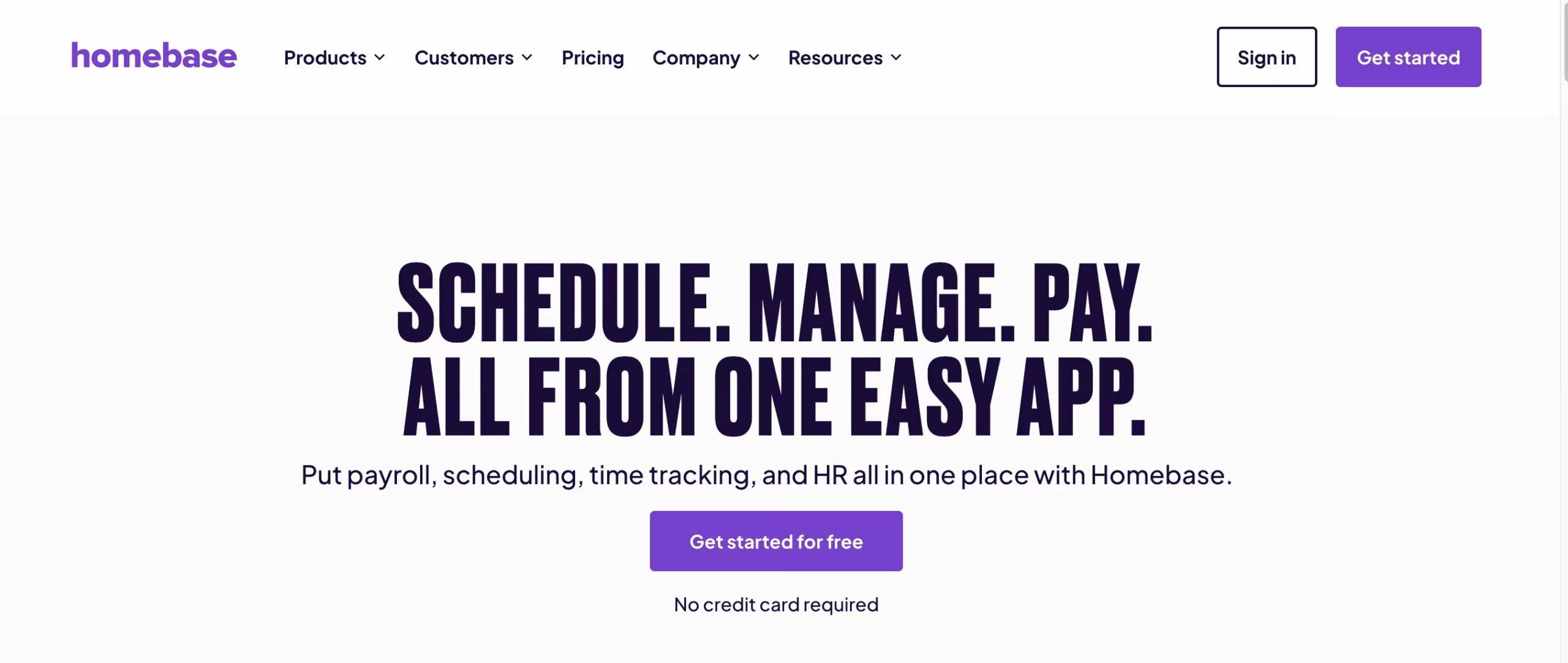
Homebase's free plan is the most generous in this comparison by a significant margin: unlimited employees at one location, scheduling, time clock with employee self-service, team messaging, and basic HR tools at no cost. For a cafe, salon, or retail shop that has never used scheduling software before, this is the easiest starting point on this list. There is nothing to configure beyond entering your team and shift hours, and the learning curve for managers unfamiliar with these tools is minimal.
The POS integrations with Square, Toast, Clover, and Lightspeed are a genuine differentiator for food service businesses. When sales data from your POS feeds into the scheduling view, managers can build shifts against projected revenue rather than just guessing from last week. Homebase also bundles hiring workflows, onboarding checklists, and HR compliance tools into its paid tiers - which makes it a broader platform than the others here for single-location food service. Hourly employee scheduling, break tracking, and time clock compliance are all handled in one place.
The per-location pricing model is the constraint. At one location, Homebase's free tier is hard to beat. At two or three locations, the plan cost stacks in a way it doesn't with per-user alternatives. If multi-location growth is on your roadmap, factor in that pricing change before committing to the Homebase workflow.
Features: Scheduling, time clock with optional facial recognition, team messaging, hiring and onboarding tools, POS integrations, HR compliance. Pricing: Free for 1 location, unlimited employees. Paid plans from $24.95/location/month (Essentials) to $99/location/month (All-in-One). Best for: Single-location food service, retail, or hospitality businesses that want a strong free tier and already use a compatible POS system.
4. Deputy - Best for Industries Where Compliance Matters
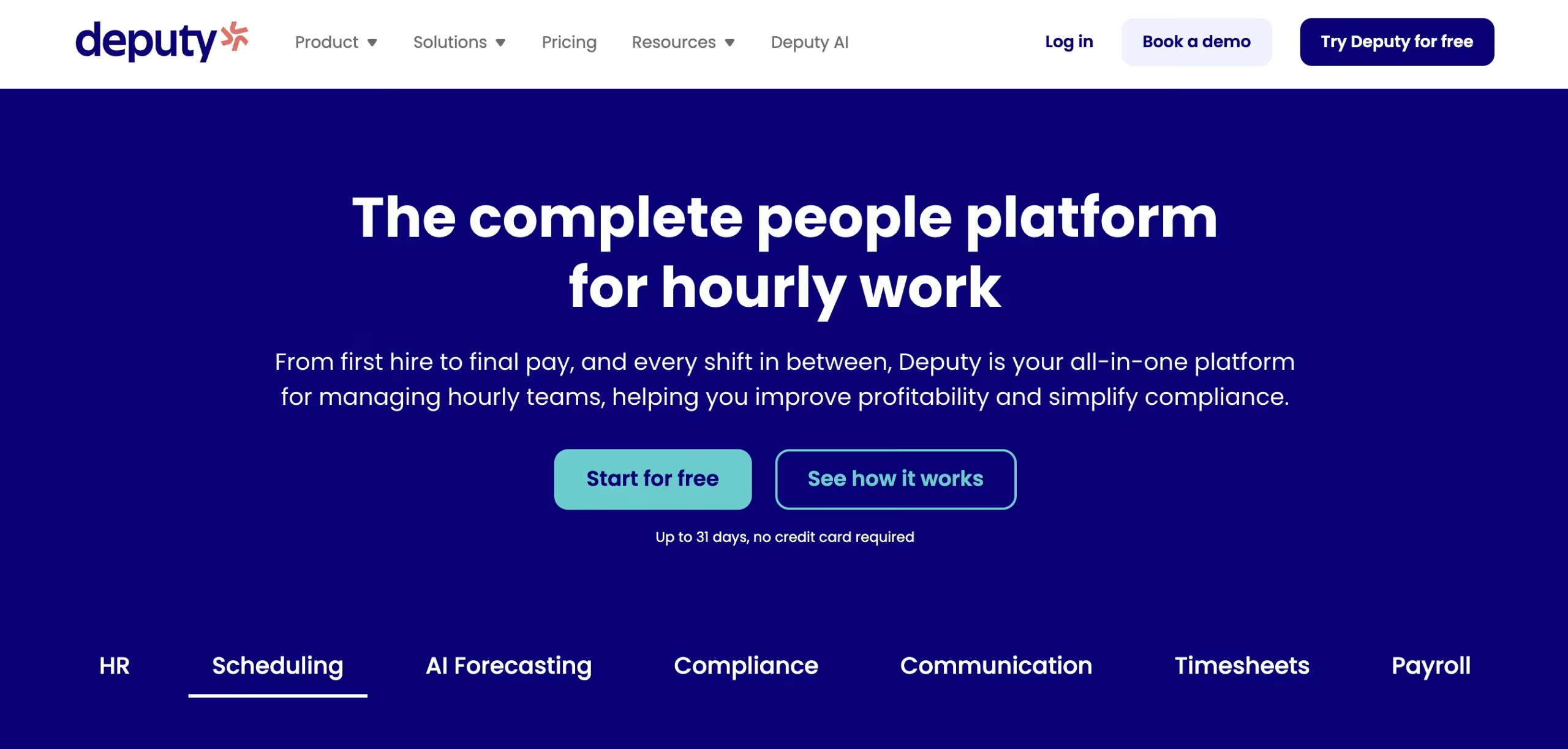
Deputy was built around a specific operational problem: scheduling in industries where assigning the wrong person to a shift creates a legal or safety issue. Healthcare, aged care, security services, and logistics all involve certification requirements, mandatory break rules, and overtime calculations that a generic online employee scheduler handles poorly or not at all. Deputy handles them natively - shift assignments can be blocked if an employee lacks a required certification, and the system flags potential compliance issues before the schedule is published.
The AI scheduling feature builds draft schedules based on labor cost targets, employee availability, and historical demand - a real time saver for managers who currently build those by hand. Employee and attendance tracking integrates cleanly as a separate module. Initial setup takes longer than most tools here: roles, certifications, pay rules, and compliance parameters all need to be defined upfront before the system works correctly. For a bakery or retail shop, that overhead isn't justified. For a home care agency or security firm, Deputy may be the only tool on this list that handles the operational requirements correctly.
Features: AI auto-scheduling, certification and compliance tracking, leave management, employee time and attendance, payroll integrations. Pricing: Scheduling module from approximately $4.50/user/month. Time and Attendance as a separate module at the same rate. No permanent free plan. Best for: Small businesses in healthcare, security, logistics, or any industry with strict certification or labor law compliance requirements.
5. Connecteam - Best All-in-One App for Frontline Teams
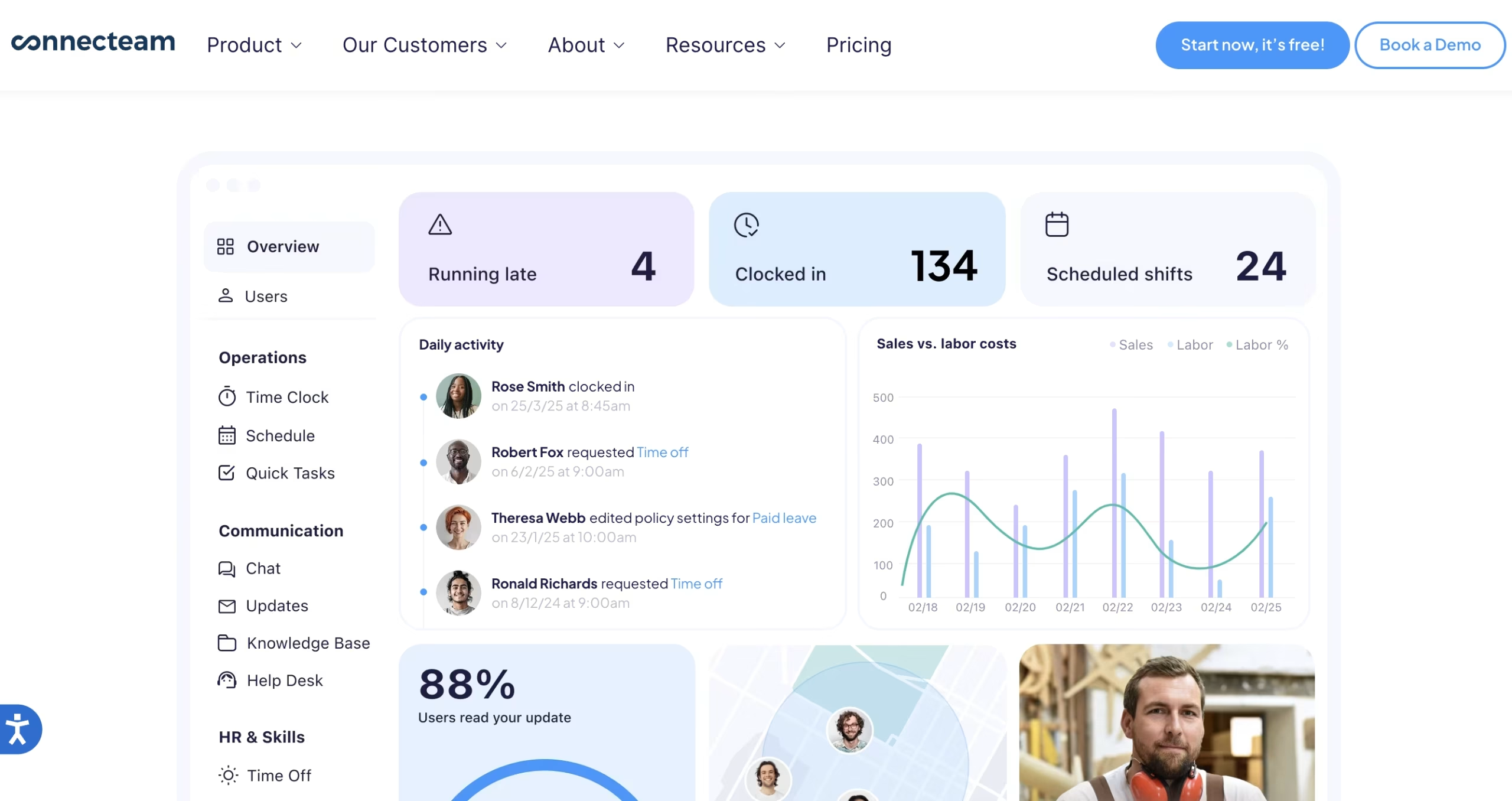
Connecteam is built for non-desk employees - teams where most people work in the field, on a floor, or at a site rather than in front of a computer. The scheduling module handles shift assignments, open shift bidding, conflict detection, and manager approval workflows. But the product goes considerably further than scheduling alone: it packages a communication hub (announcements, group chats, a company newsfeed), digital forms and checklists, onboarding and training modules, and HR document management into the same mobile-first app. For a small business currently running four or five separate tools to cover these functions, the consolidation argument is real.
The free Small Business Plan covers up to 10 users with access to nearly all features - one of the more complete free tiers in this category. Above that, Connecteam shifts to a hub-based pricing model: Operations (scheduling, time clock, task management), Communications, and HR are sold as separate subscriptions, each starting at $29/month for up to 30 users. For businesses that need all three hubs, the combined cost is higher than Shifton's per-module pricing. For businesses that specifically need scheduling and team communication bundled together, Connecteam handles both without stitching two tools together.
Features: Smart scheduling with conflict detection, GPS time clock and geofencing, shift swapping, team communication hub, digital forms and checklists, task management, onboarding and training modules. Pricing: Free for up to 10 users (Small Business Plan). Paid hubs from $29/month for up to 30 users (Operations, Communications, HR sold separately). Best for: Small businesses with frontline or field-based teams that want scheduling, team communication, and HR workflows consolidated in one mobile app.
6. Sling - Best Budget Option with Team Communication Built In
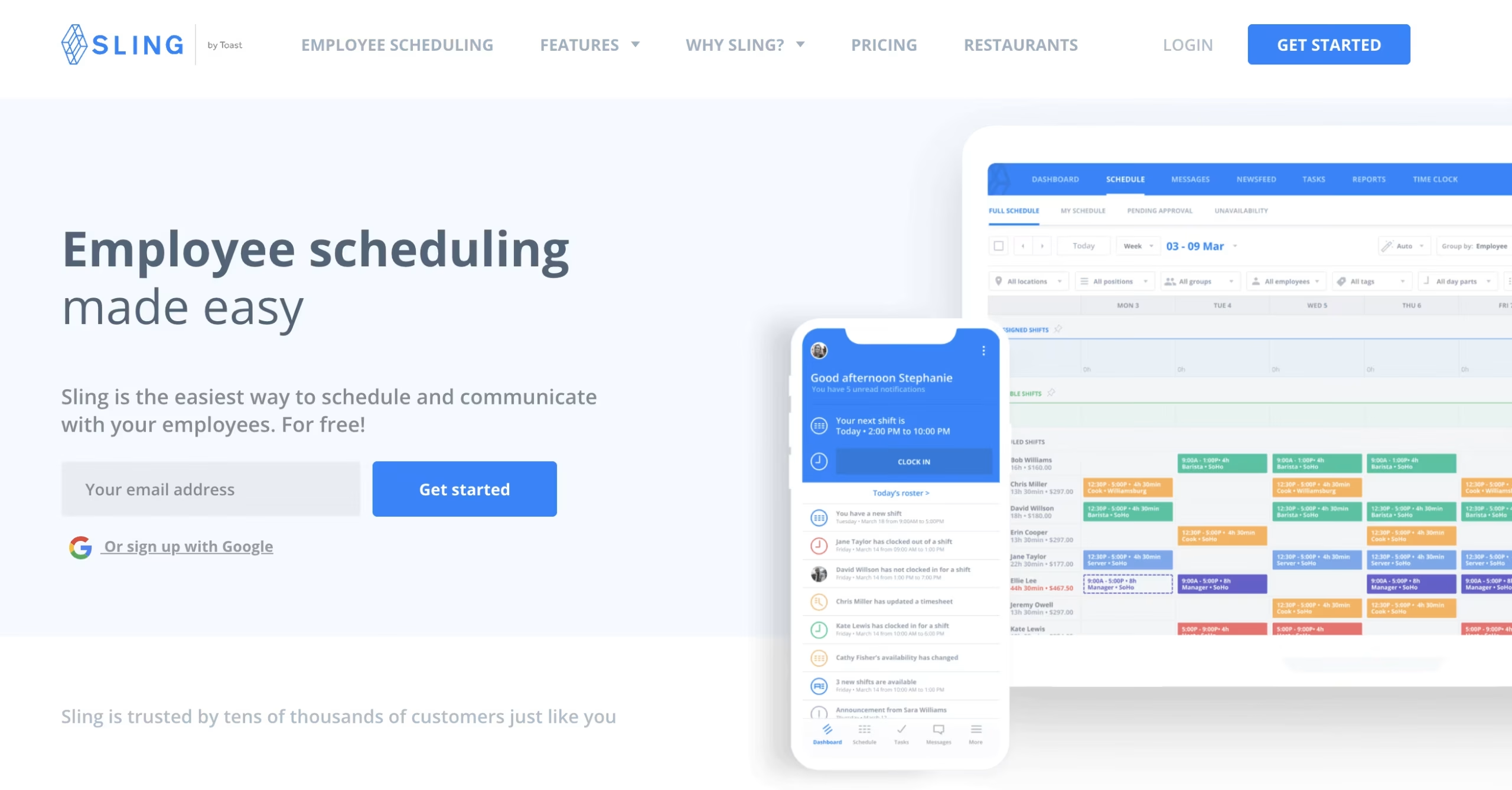
Sling's free plan combines two things with no employee cap: a schedule maker for employees and team communication. Group channels, direct messaging, file sharing, and task announcements are included alongside the scheduling calendar. Most scheduling tools treat messaging as a premium add-on or leave it out entirely. Sling treats it as a core free feature - which solves a common problem for small teams: schedule-related communication scattered across WhatsApp groups and personal text threads.
Anything beyond scheduling and messaging requires a paid upgrade. Employee time and attendance tracking, labor cost budgeting, and most payroll integrations sit behind paid tiers. At $2/user/month (Premium) or $4/user/month (Business), Sling stays affordable - but businesses that need time tracking alongside scheduling should compare it against Shifton's $1/user/month modular pricing before committing. For teams whose primary need is getting shifts published and keeping communication in one place, the free plan covers it without compromise.
Features: Shift scheduling (free), team messaging and group channels (free), task assignments, time clock and attendance (paid), labor cost budgeting (paid), payroll integrations (paid). Pricing: Free, unlimited users. Premium from $2/user/month. Business from $4/user/month. Best for: Very small teams that need scheduling plus communication at no cost, or budget-conscious businesses that want a predictable upgrade path.
How to Choose the Right Tool for Your Team
The right work schedule app depends on three variables: industry, team size, and which operational problem you're trying to solve first. Start with the problem, not the feature list.
If payroll accuracy is the main issue, time tracking needs to be included in whatever tool you choose - not as an add-on to buy later. Sling's free tier won't solve that. Shifton or Deputy, both of which connect scheduling directly to timesheets, are the relevant options. If you're in restaurants or food service, Homebase is the strongest option here - POS integrations with Square, Toast, Clover, and Lightspeed are built in, and labor cost targets tie directly to the scheduling interface. For frontline teams that need scheduling alongside communication tools and HR workflows in one mobile app - retail, hospitality, cleaning, field teams - Connecteam's breadth is hard to match at its price point.
Multi-location businesses should avoid per-location pricing. Homebase charges per site - a two-location operation pays double the monthly cost. Shifton and Sling price per user, which scales linearly regardless of how many locations are in the account. For compliance-heavy industries like healthcare or security, Deputy handles certification tracking and labor law enforcement in ways that no other tool here does at small team scale.
For most small businesses outside food service and regulated industries, Shifton covers the full scope of workforce management software for small business without a matching price tag. Start with the free plan, add modules as the business grows, and pay only for what's actively in use. The Bureau of Labor Statistics Occupational Outlook Handbook covers the full scope of HR and workforce coordination functions - useful context if you are deciding how much of this to delegate to software versus a dedicated hire.
Frequently Asked Questions
What is the best free employee scheduling software for small business?
Homebase has the strongest free tier for single-location businesses: unlimited employees, scheduling, time clock, and basic HR tools at no cost. Sling's free plan has no employee cap and includes team messaging alongside scheduling. Shifton's free plan supports up to 10 users with core scheduling included. Connecteam's Small Business Plan is free for up to 10 users with access to nearly all features, including scheduling, time clock, and team messaging. Which is best depends on your industry, whether you need time tracking, and how many locations you operate.
How much does employee scheduling software cost for a small business?
Paid scheduling software typically runs between $1 and $6 per user per month, depending on included features. Shifton's paid modules start at $1/user/month. Sling Premium is $2/user/month. When I Work Essentials runs approximately $2.50/user/month. Deputy charges around $4.50/user/month per module. Homebase prices per location rather than per user, with paid plans ranging from $25 to $100 per location monthly. Most platforms offer 15-20% discounts on annual billing.
Can scheduling software handle teams of under 10 people?
Yes. The core benefits of automated scheduling - shift notifications, swap requests, availability tracking - scale down to any team size. Shifton's free plan is designed explicitly for teams up to 10. Sling and Homebase both have free plans with no minimum headcount. The deciding factor isn't team size but scheduling complexity: if your team runs fixed identical shifts week to week, a spreadsheet may still be sufficient. Variable availability, part-time staff, and regular last-minute changes are the tipping points where software becomes worthwhile.
Do these tools let employees swap shifts without calling a manager?
Most do. Shifton, When I Work, Homebase, Deputy, and Sling all support employee-initiated swap requests with configurable approval rules. Managers can set auto-approval for swaps that meet defined conditions - same role, no overtime triggered, both employees available - or require manual sign-off on every change.
Does scheduling software connect to payroll systems?
Most tools here offer payroll integrations, though depth and tier availability vary. Shifton includes payroll reporting natively and connects to external payroll systems through its payroll module. Deputy and Homebase have well-developed integrations with Gusto, QuickBooks Payroll, and ADP. When I Work and Sling offer integrations on paid tiers. In all cases, time tracking must be active within the same tool for the payroll connection to eliminate manual work - otherwise you're still exporting timesheets.



Start making changes today!
Optimize processes, improve team management, and increase efficiency.